The Forest View (TL;DR)
- An AI agent is not a chatbot. It completes tasks autonomously — planning, acting, and iterating — rather than simply responding to questions.
- You don’t need to code to start. No-code platforms like n8n, Flowise, and Botpress let anyone build a working agent in under an hour.
- For more control, CrewAI is the fastest framework to learn. It has become the fastest-growing multi-agent AI framework in 2026, with over 14,800 monthly searches and a rapidly expanding developer community.
The Shift Already Happened
Ninety percent of people using AI in 2026 are still treating it like a search engine. They ask a question, copy the answer, and move on.
In 2026, we’re seeing Coinbase give agents their own crypto wallets, Stripe integrate agent payments, and companies deploying agents for customer support, code review, and content creation. The infrastructure is no longer experimental — it’s production-ready.
The gap between people who use AI and people who deploy AI agents is widening fast. This guide closes it.
What Is an AI Agent, Actually?
An agent isn’t a smarter chatbot. The distinction matters enormously.
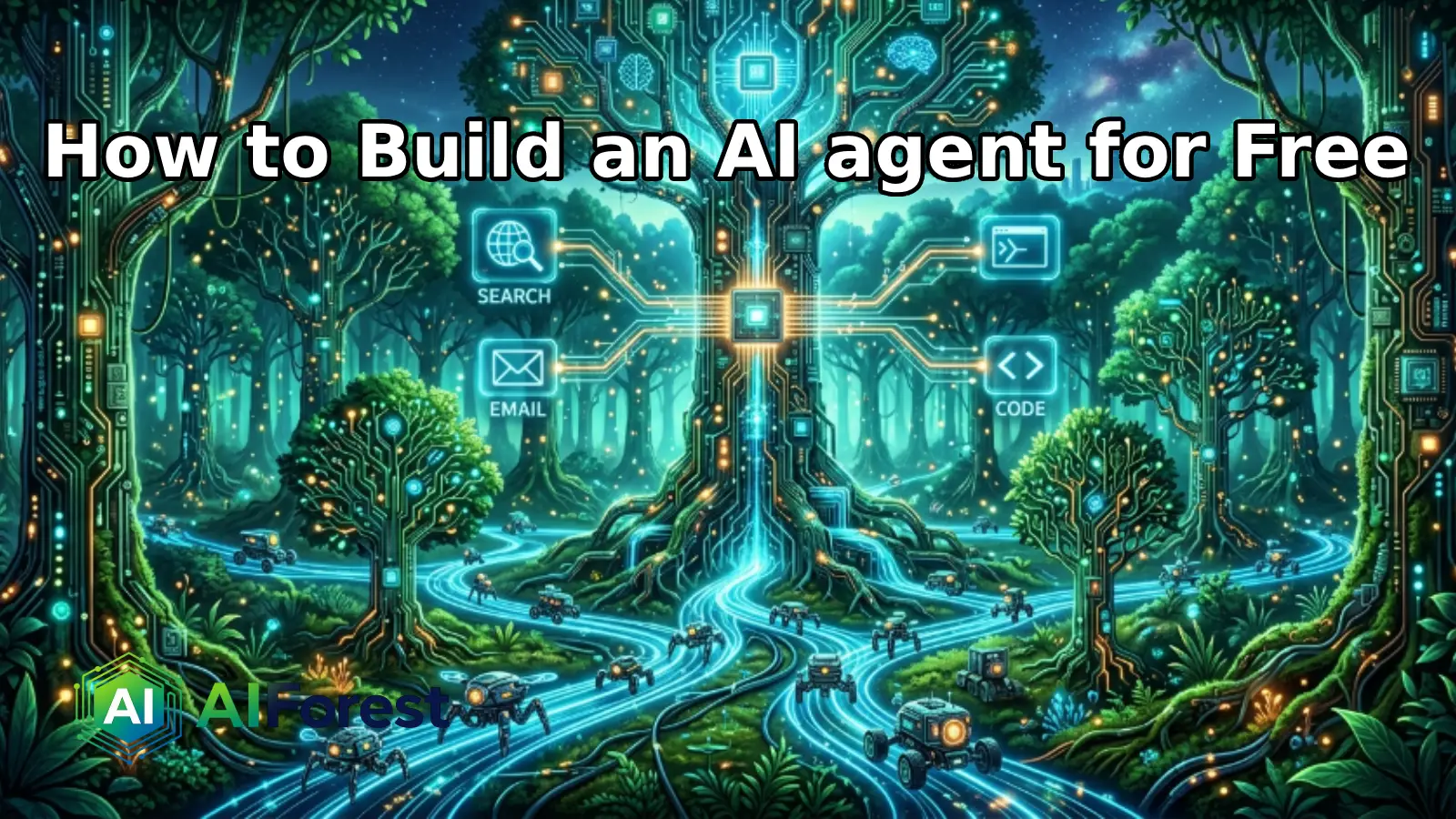
A chatbot answers a question. An AI agent does a job. An AI agent combines an LLM (the brain), memory, tools such as APIs, databases, and search, and a run loop that keeps going until the job is done.
Think of it this way: a chatbot tells you the weather. An agent notices your outdoor meeting is tomorrow, checks the forecast, and messages your team before you even wake up.
The four components every agent needs:
- Brain — A foundation model (GPT-4o, Claude, Gemini, Llama 3)
- Memory — Persistent context across sessions (vector databases, files)
- Tools — APIs, web search, code execution, email
- Run Loop — The logic that keeps the agent working until the task is complete
Step 1: Choose Your Build Path
There is no single correct way to build an agent. Your technical background determines your best starting point.
Path A — No-Code (Zero to Agent in 60 Minutes)
No-code platforms in 2026 include Lindy (free tier up to 40 tasks/month with prebuilt templates), Botpress (a visual drag-and-drop builder for deploying agents to websites, WhatsApp, or Slack), and n8n (an open-source workflow tool you can run locally for free via Docker to connect LLMs to over 400 apps).
Best for: Marketers, founders, and non-developers who want results fast.
Path B — Low-Code with CrewAI (Best Framework for Beginners)
CrewAI has the easiest learning curve and uses an intuitive crew metaphor where specialized agents collaborate on tasks. You define roles, goals, and tools — the framework handles the rest.
Best for: Anyone comfortable with basic Python who wants real control.
Path C — Full Custom with LangGraph
LangGraph models agent workflows as directed graphs with conditional logic, rollback points, and audit trails. It is the most production-ready option for complex systems. Start here only after you understand the fundamentals.
Comparison Table: Top AI Agent Builder Tools (2026)
| Tool | Best For | Code Required | Free Tier | Learning Curve |
|---|---|---|---|---|
| n8n | Visual workflow automation | No | Yes (self-hosted) | Low |
| CrewAI | Multi-agent role-based teams | Yes (Python) | Yes (personal use) | Medium |
| LangGraph | Complex conditional pipelines | Yes (Python) | Yes (open-source) | High |
Step 2: Define the Task Before Touching Any Tool
This is where most beginners fail. They open a framework before knowing what the agent should actually accomplish.
The right question to ask: What workflow do I repeat at least weekly that has clear inputs and measurable outputs?
Before building anything, pick a workflow that’s high-frequency, repeatable, and easy to measure. A research pipeline, a content drafting system, or an inbox triage process are strong starting points.
Write this down before you build:
- What is the trigger? (Manual, scheduled, or event-driven)
- What tools does the agent need access to? (Web search, email, a database)
- What does a successful output look like?
Step 3: Build Your First CrewAI Agent (Step-by-Step)
This section follows the code-based path using CrewAI with a free local LLM.
Install CrewAI
bash
pip install crewai
crewai create crew my_first_agent
cd my_first_agent
crewai install
CrewAI requires Python version above 3.10 and below 3.13. The crewai create crew command generates a well-organized project structure with separate YAML configuration files for agents and tasks.
Define Your Agent
python
from crewai import Agent, Task, Crew, Process

researcher = Agent(
    role='Research Analyst',
    goal='Find the latest developments on a given topic',
    backstory='You are an expert at locating credible, current sources.',
    verbose=True
)
Assign a Task
python
research_task = Task(
    description='Research the top 3 AI agent frameworks in 2026 and summarize their strengths.',
    expected_output='A concise markdown report with three sections.',
    agent=researcher
)
Run the Crew
python
crew = Crew(
    agents=[researcher],
    tasks=[research_task],
    process=Process.sequential
)

result = crew.kickoff()
print(result)
Without tools, agents can only reason about their training data. With tools, they can search the web, read files, scrape websites, execute code, and interact with APIs.
Step 4: Add Tools to Your Agent
Tools are what separate a reasoning agent from an acting agent.
Installing CrewAI’s built-in tools:
bash
pip install 'crewai[tools]'CrewAI includes tools for web searching (SerperDevTool), web scraping (ScrapeWebsiteTool), file reading (FileReadTool), PDF reading (PDFSearchTool), and code execution (CodeInterpreterTool), among others.
Add a tool to your agent like this:
python
from crewai_tools import SerperDevTool

search_tool = SerperDevTool()

researcher = Agent(
    role='Research Analyst',
    goal='Find the latest developments on a given topic',
    tools=[search_tool],
    verbose=True
)
Step 5: Test, Iterate, and Deploy
Don’t skip testing with real inputs. Synthetic examples mask the failures that actual data exposes.
If your crew runs are slow, the bottleneck is almost always the LLM API response time. Profile your runs by checking result.token_usage — if prompt tokens far exceed completion tokens, your agent prompts may be overloaded with tool descriptions or context. Reduce tools per agent, simplify task descriptions, or switch to a faster model for non-critical agents.
A basic deployment checklist:
- Add error handling (try/except around tool calls)
- Log agent outputs for review
- Set a max iteration limit to prevent runaway loops
- Use a faster, cheaper model for non-critical sub-tasks
The Human Root: What Agents Actually Change
AI agents are not replacing skilled workers wholesale — they are compressing the lowest-skill portions of knowledge work.
The tasks most at risk are the repetitive, measurable ones: first-draft research, data summarisation, inbox triage, and report formatting. These are tasks humans perform mechanically, not creatively.
Where human judgment remains irreplaceable: setting the objective, evaluating the output, managing ethics, and building client trust. The 10-20-70 rule applies here — 10% of AI project success comes from technology, 20% from data quality, and 70% from people, processes, and change management.
The workers most affected won’t be those whose jobs AI can do — they’ll be the ones who refused to learn how to direct AI agents while their peers did. Building your first agent is, in part, a professional development decision.
There are also ethical guardrails worth establishing early. An agent with email access and a vague goal can cause real damage. Always apply the principle of minimum necessary permissions: grant only the tools the agent needs for that specific task.
The Verdict
Building single-prompt AI apps in 2026 feels like writing code in Notepad — it works, but you’re leaving capability on the table. The tooling for multi-agent systems is now mature, the free tiers are genuinely usable, and the learning curve for CrewAI specifically has dropped to the point where a determined beginner can have a working agent in an afternoon.
The clearest signal for where this is going: 2026 is the year AI agents go mainstream, with agent-to-agent commerce becoming an emerging norm. Agents that can hire other agents, pay for APIs autonomously, and report back to human supervisors are no longer science fiction.
Start with one task. Make it boring and measurable. Ship it this week. The compound effect of that first working agent — on your skills, your workflow, and your thinking — is significant.
FAQs
No. No-code platforms like Botpress and n8n let anyone create and deploy functional AI agents using visual interfaces, with free tiers available for personal use. Python skills become valuable when you need custom logic or production reliability, but they are not a prerequisite for your first agent.
CrewAI has the easiest learning curve and uses a crew metaphor where specialized agents collaborate on tasks — ideal for multi-role workflows. LangChain has the largest community and most documentation, while LangGraph, its graph-based extension, is the most production-ready option when you need audit trails, rollback points, or complex conditional logic.
A simple single-purpose agent built on free tiers costs effectively nothing. Hiring a team to build a multi-step agent with custom integrations runs between $20,000 and $80,000. For independent builders, frameworks like CrewAI and n8n are free and open-source, and can be paired with free-tier LLM APIs from providers like Groq or Ollama running locally to keep costs at zero during development.